WooCommerce Product Guide
How do you add products to WooCommerce?
A practical product-upload checklist for creating clear, useful and search-focused listings in your WordPress online store.
The Short Answer
How do you add products to WooCommerce?
To add a WooCommerce product, open Products in WordPress, choose Add New, enter the title and description, set product data and price, upload images, assign categories, check inventory and publish after reviewing the listing.
Practical Guidance 01
Add the essential product information
Start with information that helps a customer understand and compare the product. Avoid copying thin manufacturer descriptions when useful original details are available.
- Write a specific product title
- Add a useful full description
- Set the regular and sale price
- Choose the correct product type
Practical Guidance 02
Organise images, categories and inventory
Clear organisation helps customers browse the store and helps you manage products later.
- Upload clear consistent images
- Choose relevant categories and tags
- Add SKU and stock information
- Configure shipping details where required
Practical Guidance 03
Improve the listing before publishing
Review the page as a customer. Check mobile readability, useful product details, metadata and the route into basket and checkout.
- Use a clear short description
- Add relevant product attributes
- Write an accurate SEO title and description
- Preview and test the buying journey
Direct Answers
Common questions about how to add products to WooCommerce.
Can I add WooCommerce products myself?
Yes. Tylabs Media provides WordPress access and a product-management walkthrough.
How many products are included in the ecommerce package?
The ecommerce website package includes ten SEO-optimised product listings.
Can Tylabs Media add more products?
Yes. Additional product listings are available for £5 each.
What makes a good product description?
A useful description clearly explains benefits, specifications, suitability and information needed before purchase.
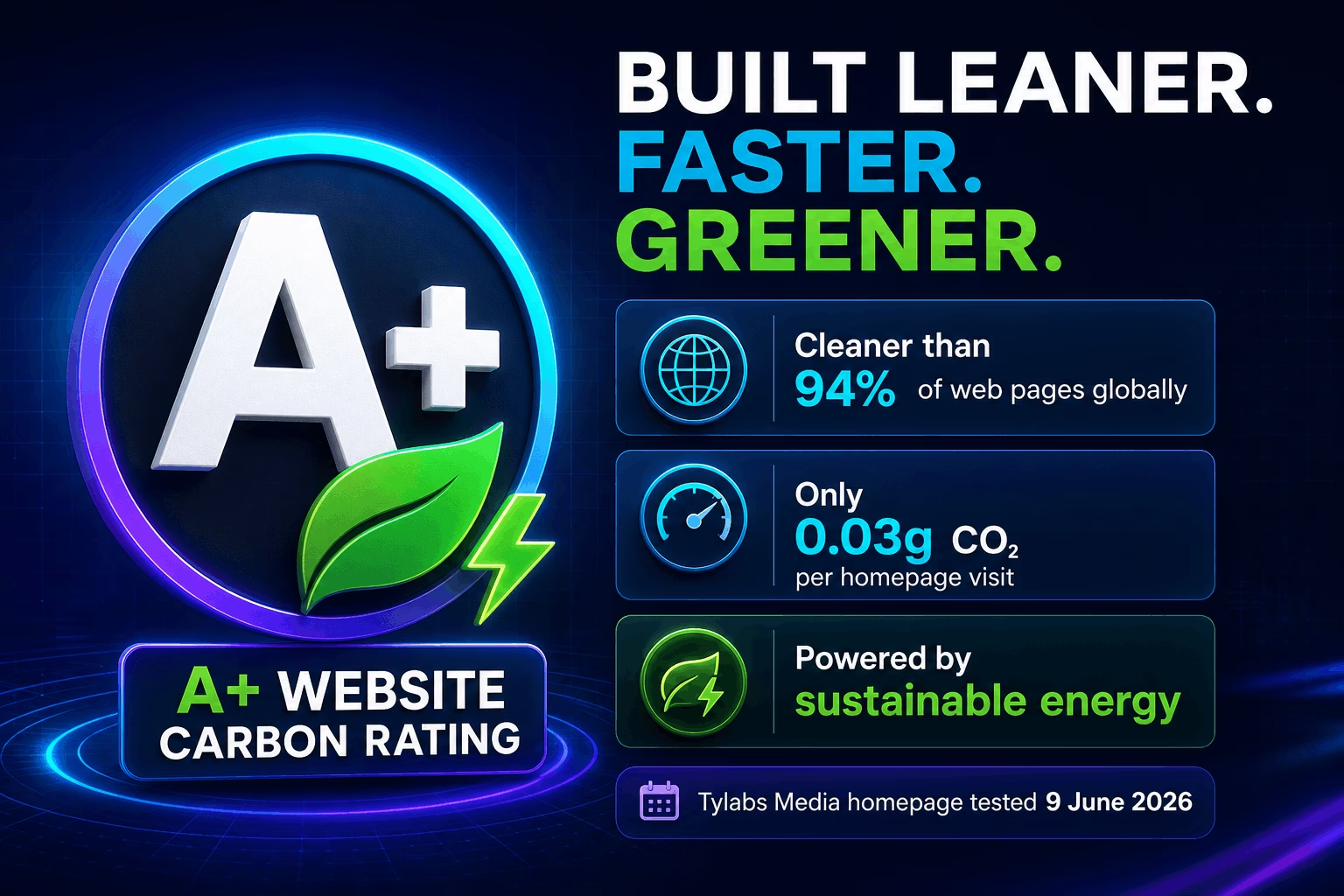
Efficient Website Design
Built leaner. Faster. Greener.
Tylabs Media builds with performance and efficiency in mind. Our website achieved an A+ website carbon rating, producing approximately 0.03g of CO₂ per visit and testing cleaner than 94% of web pages globally.
- Lightweight pages create faster customer experiences
- Efficient delivery helps reduce unnecessary data use
- Performance supports usability and organic visibility
Last tested 9 June 2026. Carbon results are approximations and individual page results vary.
Ready To Build?
Choose a website that helps your business get found and chosen.
Explore the packages or contact Tylabs Media to clarify your requirements.